collective.webhook#
collective.webhook adds the Call webhook action to Plone content rules.
This page shows how to call a webhook, such as the build hook of a static site host, each time content changes.
Create a content rule#
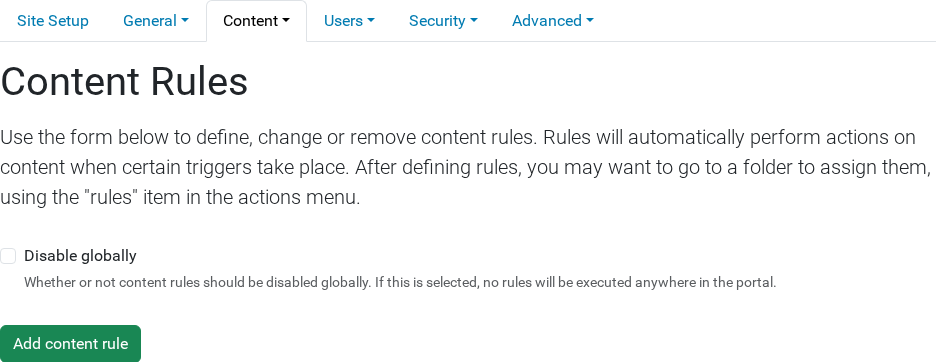
Open and click Add content rule.
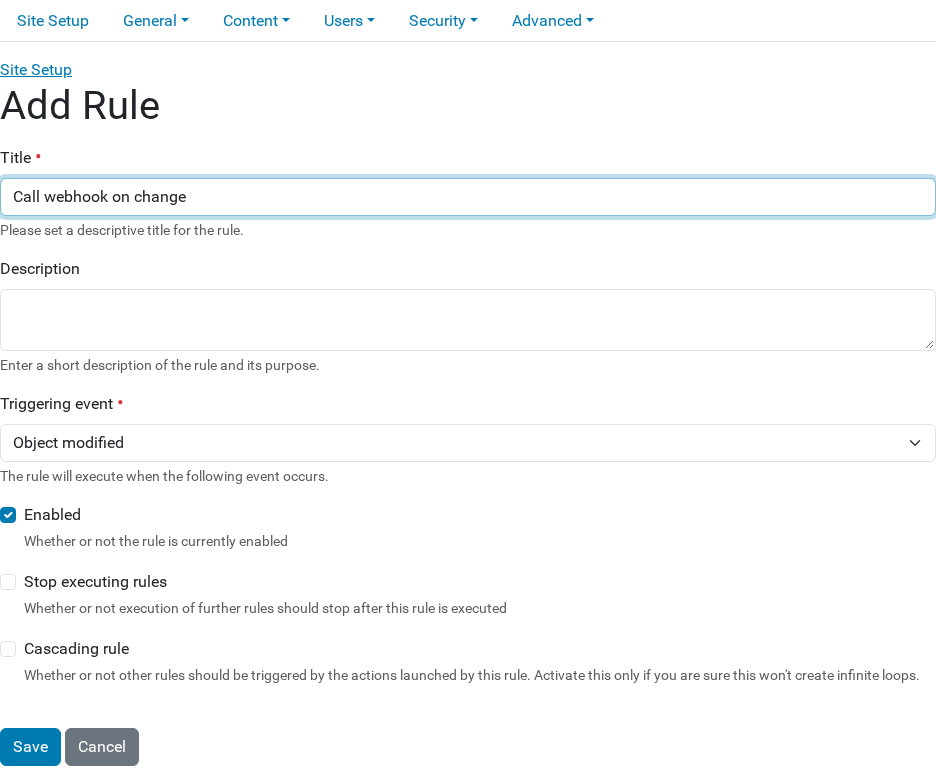
Enter a Title, choose the Triggering event, and click Save. For example, choose Object modified to call the webhook when an editor saves a change.
Add the webhook action#
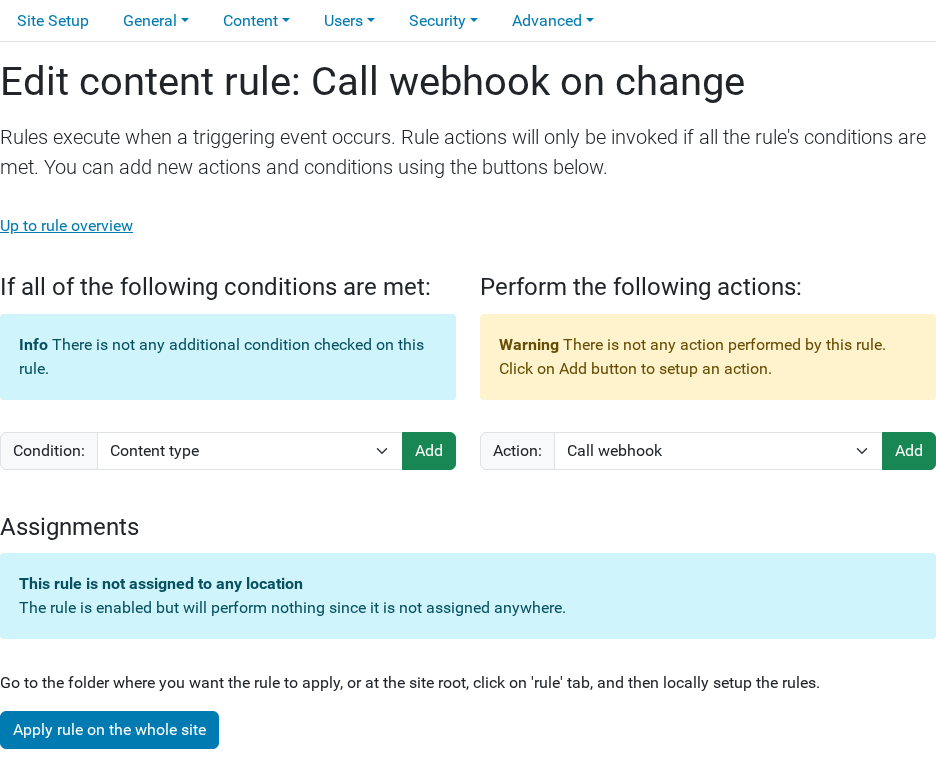
Choose Call webhook in the Action list and click Add.
Fill in the form and click Save.
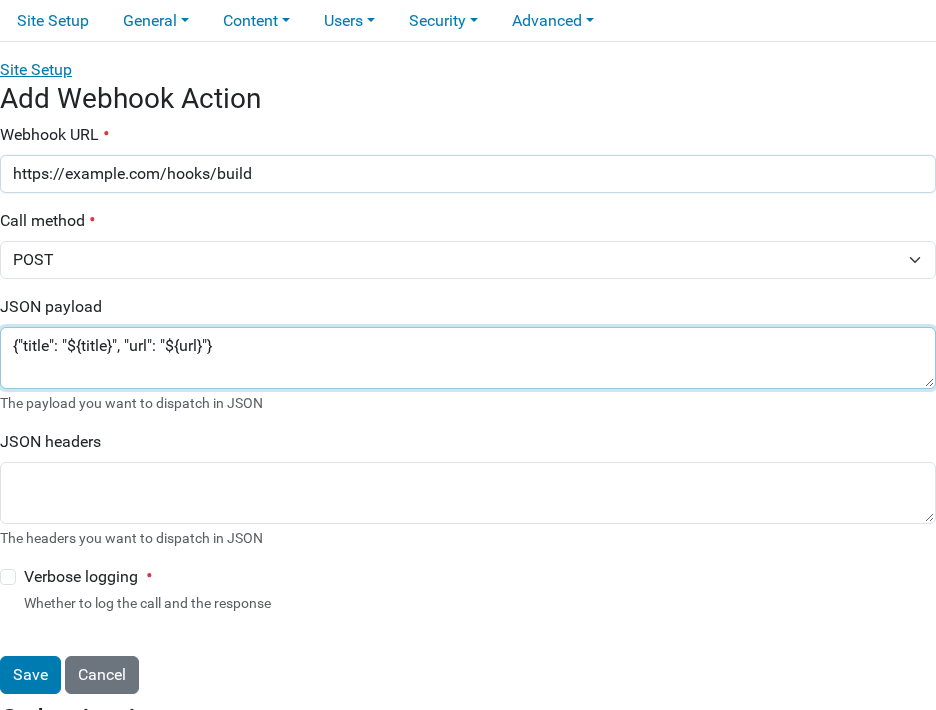
- Webhook URL
The URL to call, such as the build hook URL from your hosting service.
- Call method
GET,POSTorPOST FORM. ChoosePOSTunless your service documents another method.- JSON payload
The data to send, as JSON. Always fill in this field, and use
{}when you have nothing to send. To send values from the content, use variables such as${title}and${url}. The table below the form lists all the variables.- JSON headers
Optional. A JSON object of headers, for example
{"Authorization": "Bearer my-secret-token"}.- Verbose logging
Optional. Select it to write the request and the response to the Plone log while you test.
Apply the rule#
Click Apply rule on the whole site on the rule page.
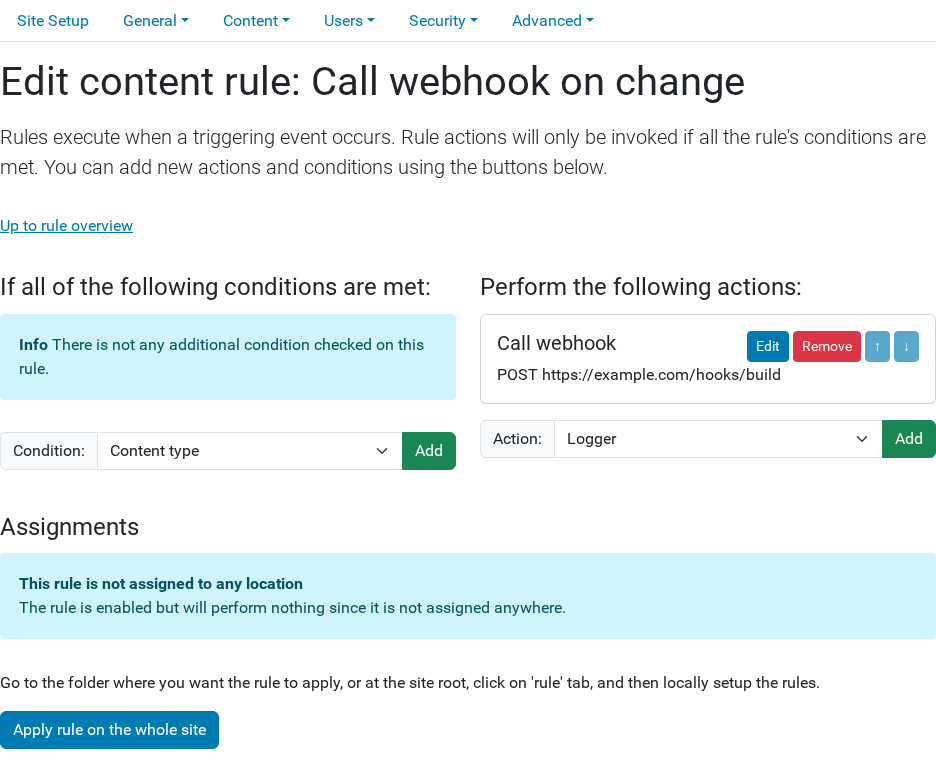
Plone now calls the webhook each time the triggering event happens.